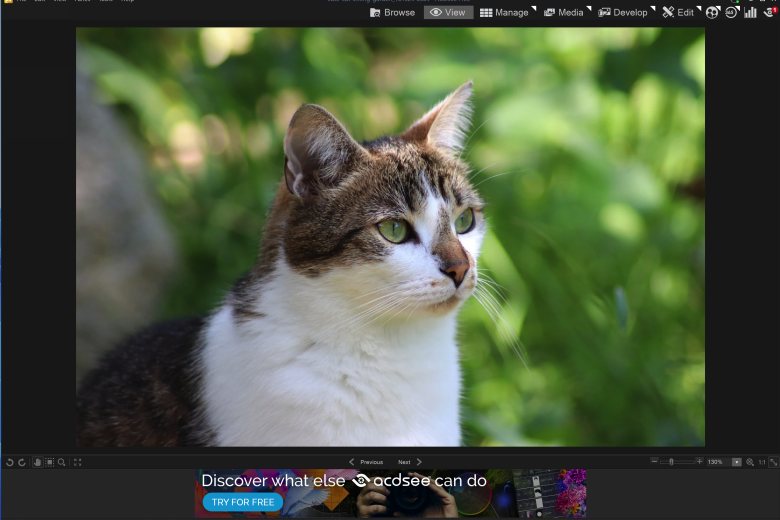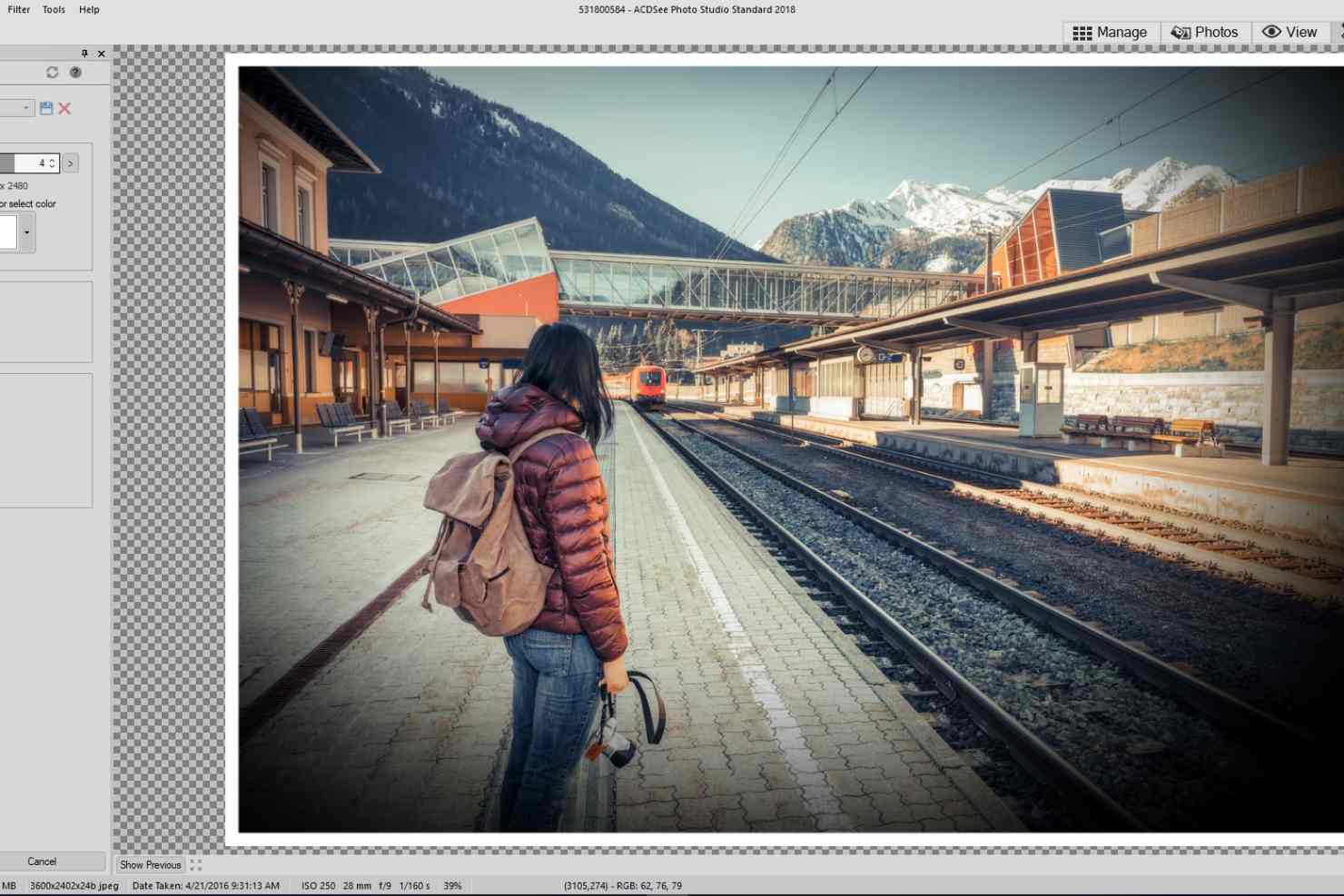
ACDSee Photo Studio is a versatile graphics application to help organise, search, enhance and edit your digital photos.
Management tools enable you to browse your folders, view images, or search for others by name or whatever metadata tags you need.
The ability to rate, tag and colour-code pictures makes it even easier to find them again later. And there’s quick map-based geocoding for your images, too.
The core viewer is much smarter than in similar software. There’s an Auto EQ feature to optimise exposure, Magnifying Glass and Navigator tools to zoom in on fine detail, Auto Lens View shows previews of the image with various filters applied, and the image metadata and histogram are always on hand.
ACDSee doesn’t claim to be a full-featured image editor, but it still has an impressive feature set. There are the core flip, crop and resize tools, automatic exposure management, smart noise reduction, lighting and colour corrections.
The program has a strong set of filters, 50+ special effects, and you can customise how they’re applied with assorted brushes and selection tools.
Images may be saved as individual files, slideshows, videos, HTML albums and more, and uploaded to flickr, SmugMug, Facebook, or ACDSee’s own custom cloud storage service.
Photos Mode enables quick browsing of your photo collection, organising it by year, month or day.
ACDSee now imports your Lightroom database in just a few clicks, while integrating your OneDrive folder for speedy access to cloud images.
There’s also 4K monitor support, improved white balance editing and a revamped colour picker.
Verdict:
A complex interface means ACDSee Photo Manager takes a while to learn, but this is time well spent – it’s a very powerful program, packed with useful management and photo-sharing features.
(2)
Audio, Video & Photo
Specifications
Requirements
310MB free hard drive space (1GB recommended)
64-bit only
Changelog
What’s new in v29.0 (see the release notes for information)?
– Activity Manager, powered by multi-threading. Run multiple activities at the same time, including new Queued Activities: Convert File Format and Resize. Keep track of your activity progress with Activity Manager Notifications, and your searches with Advanced Search viewable in the History.
– Video Metadata, View GPS details and standard metadata fields in the Properties pane’s default view, or dive deeper into the video and audio streams with the new All Video Metadata view.
– ACDSee Home Page, launch into any project with frequently used search presets such as Recently Modified or Recently Added, and buttons for common tasks such as importing files and performing database maintenance.
– New File Format Support: Added support for importing, editing and saving JPEG XL.
– Dehaze, restore contrast, detail, and lost color to images with the Dehaze tool in Edit mode.
Deal of the Day
-60%
Ashampoo Burning Studio 20