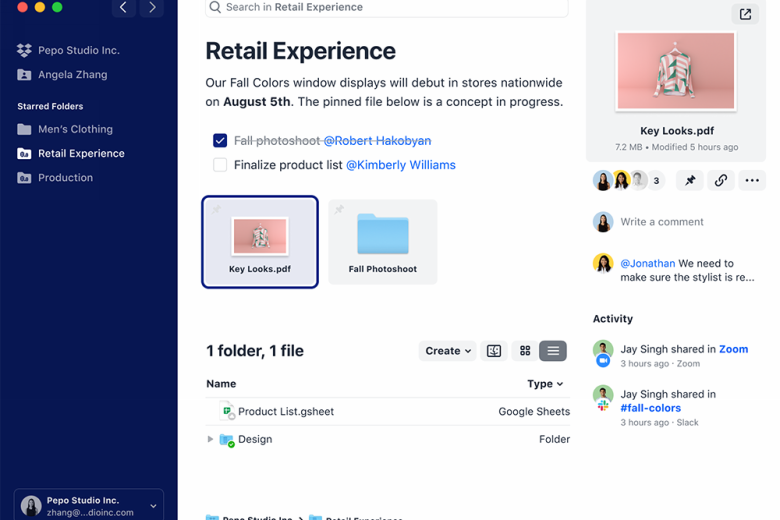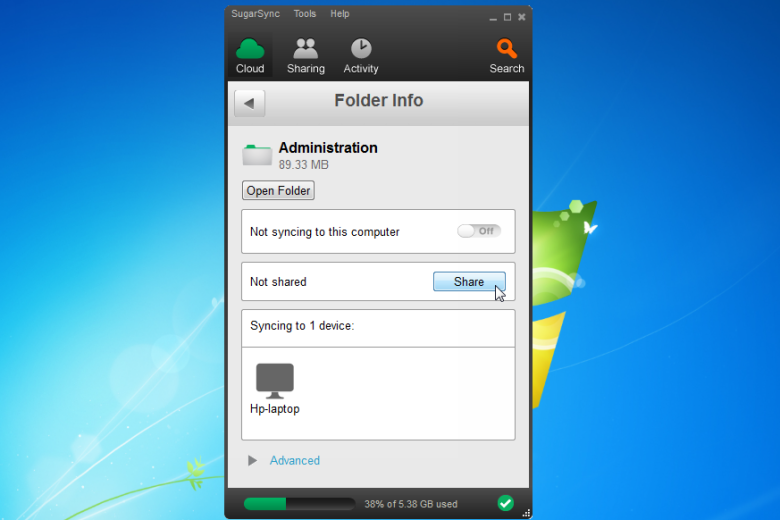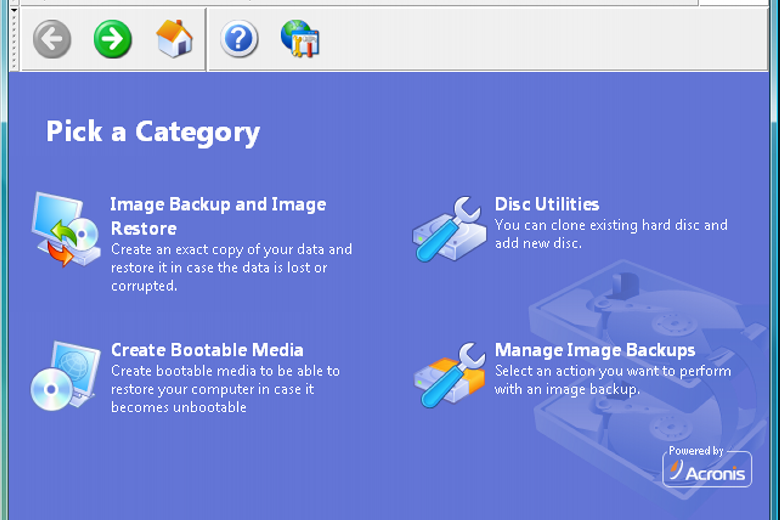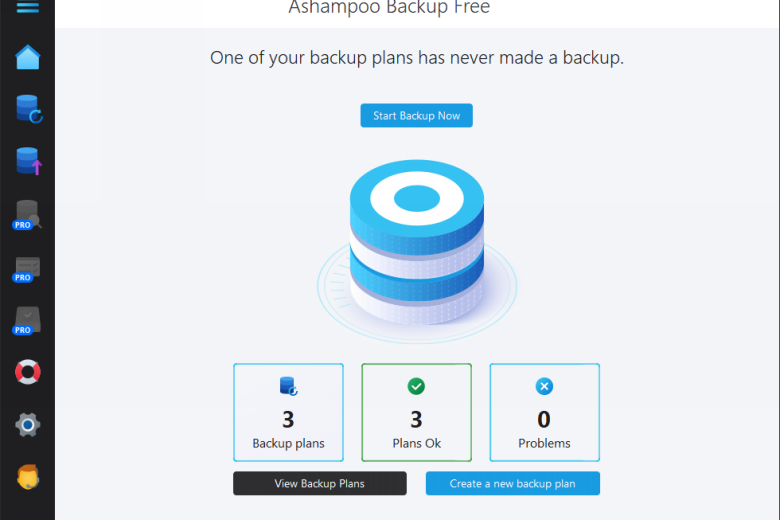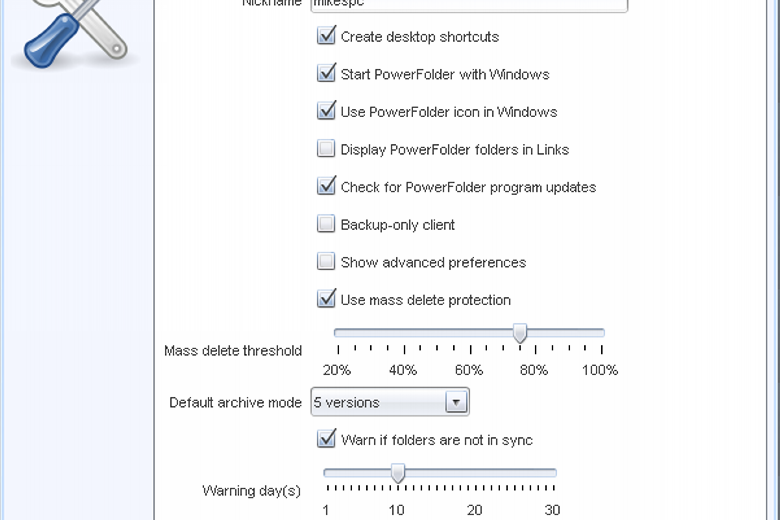
PowerFolder is an unusually versatile file transfer tool that can synchronise, back up and share your data, both locally and across the web.
You’re able to choose which folders you’d like to synchronise in just a few clicks, either selecting from a standard list (“Outlook”, “Desktop”, “Firefox”, “Pictures” and so on), or adding custom folders of your own. The program can then send an invitation to the email address you specify, which will allow other users to sync with your data. (Up to 1GB of files can be synchronised with the free version of the program.)
It’s just as easy to back up your data. Choose a few folders and PowerFolder will go to work, uploading their contents either to a local destination, or the 1GB of online storage space that comes free with the program.
Whichever option you choose, the program ensures performance will be good by transferring only the changed parts of files.
And if you make use of your online account then PowerFolder becomes a capable file sharing system. If you’ve a video that’s too large to email, say, or just a collection of digital photos that you’d like to share with the family, then simply upload them and send out invitations to everyone who might be interested. These include a link to your folder, and login information, and make it easy to access your files.
Please note, this free version is limited to 1GB of direct file syncs and 1GB of online storage. It can be upgraded in several ways, from adding software that adds extra features to just buying extra storage space. Follow the Cost link to find out more.
Verdict:
PowerFolder is a flexible sync and backup tool, but some of the upgrade options are arguably a little expensive
Operating Systems:
PowerFolder
Free
37.00 MB
Specifications
Changelog
What’s new in 22 (see changelog for more)?
– Fix installer bundles for branded mac distributions
Deal of the Day
-56%
Acronis True Image 2026 Advanced [1-D, 1-YR, 50GB]
Back up or restore a few files or your entire hard drive
Offer Ends In: